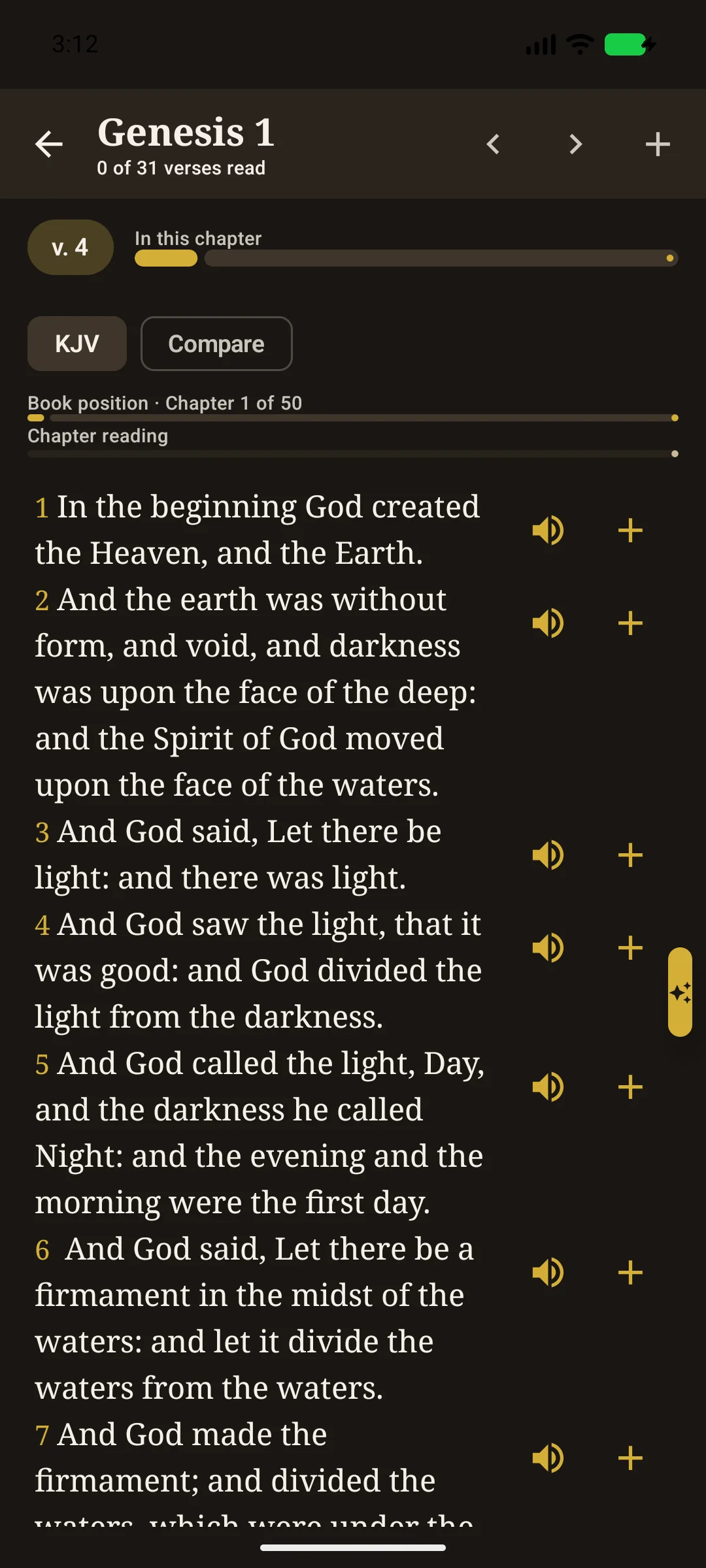
Reader built for the Word
Genesis to Revelation in the 1611 text, verse speakers, chapter audio, and progress for the book and the chapter — not a generic ebook skin.
Gallery
Real screens from the app — daily verse, 1611 reading, offline search, Tools, maps, dictionary, and Together.
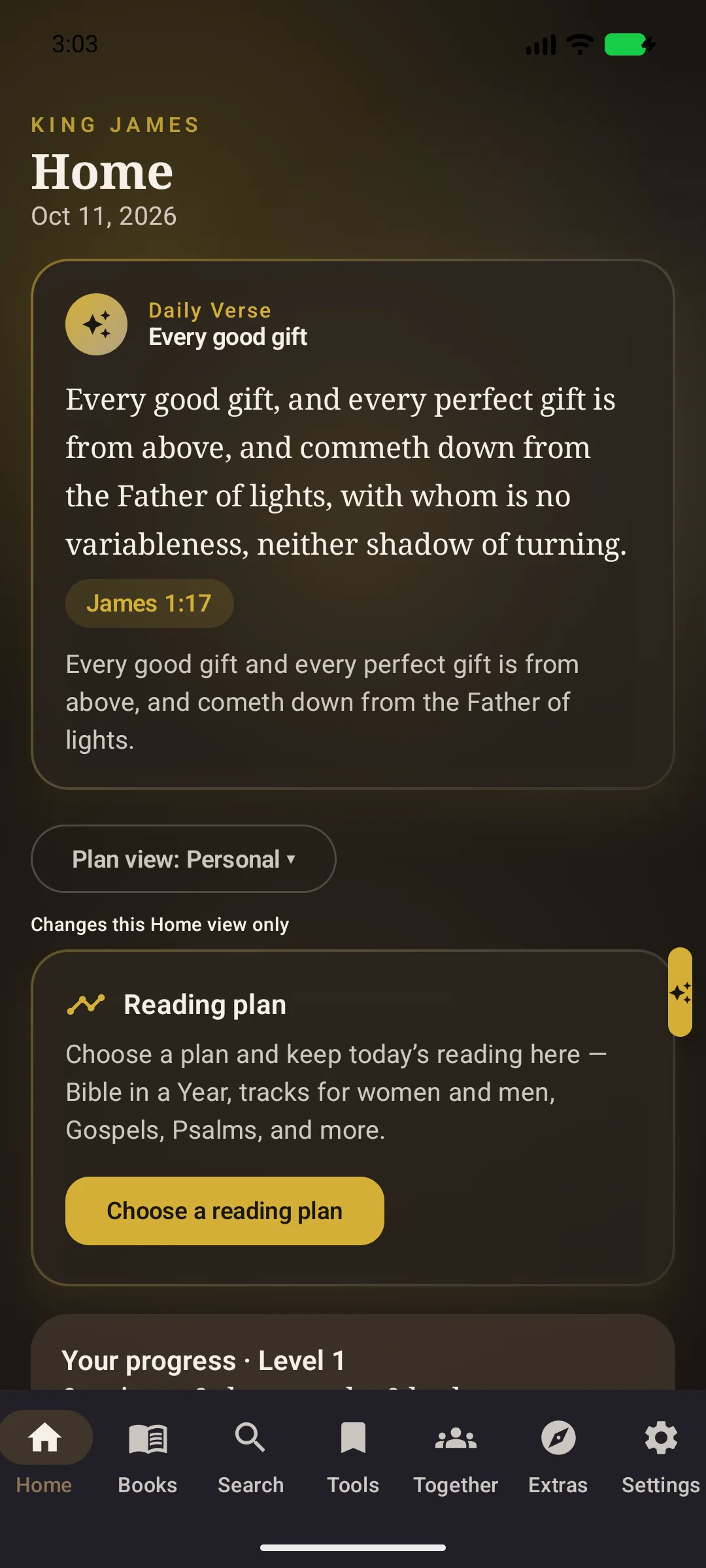
The Home screen opens with Scripture, not a feed. Daily verse, reading-plan progress, and continue-reading sit on rounded study cards with the same serif titles you see in the app.
Genesis to Revelation in the 1611 text, verse speakers, chapter audio, and progress for the book and the chapter — not a generic ebook skin.
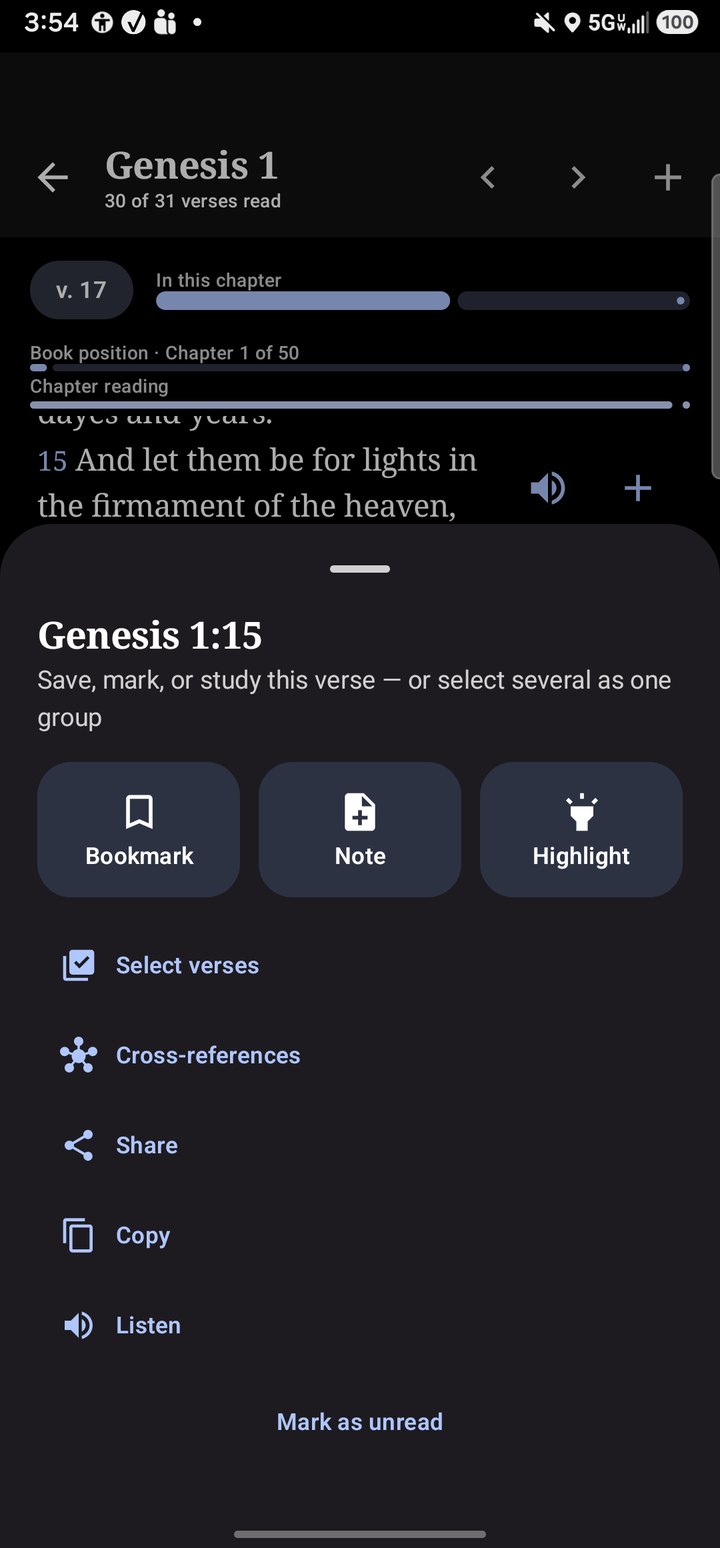
Select words, tap a color, keep Listen and + on every verse. The dark reader keeps gold progress and a book jump rail along the edge.
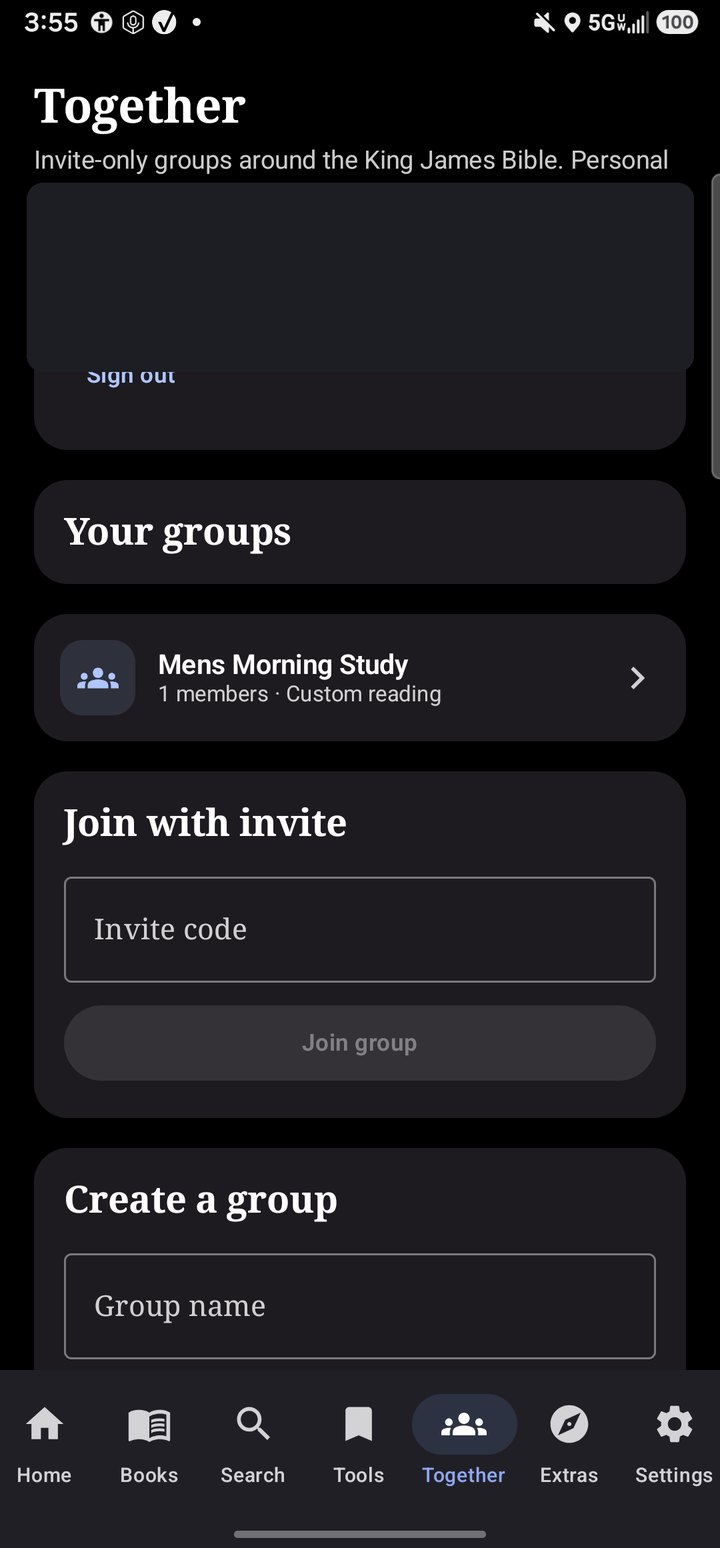
Open a group and share a reading plan, prayer, and discussion. The public website wall shows prayer text only — never a name.
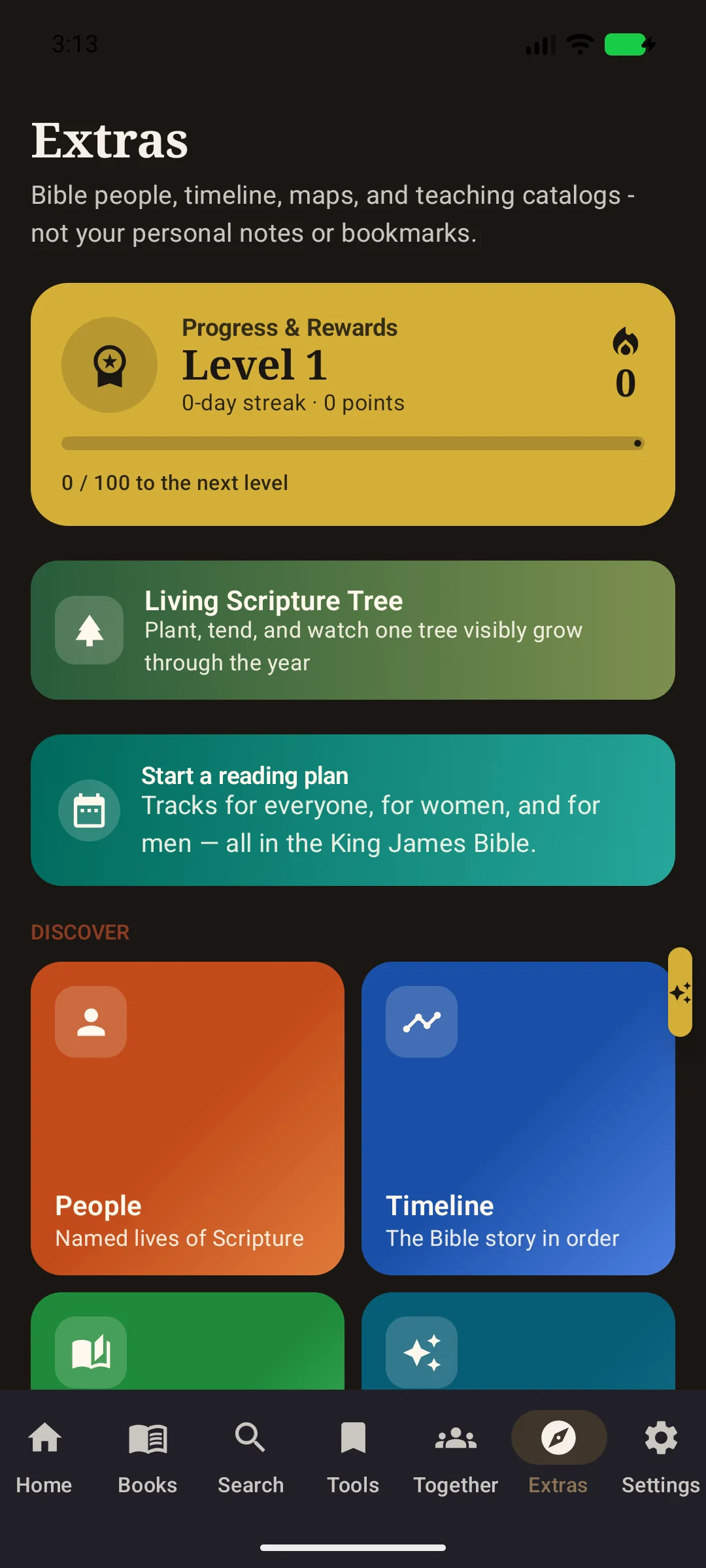
Parables, prophecies, maps, dictionary, plans, Living Scripture Tree, and games sit on gold-labeled mosaic cards — the custom study desk of the app.
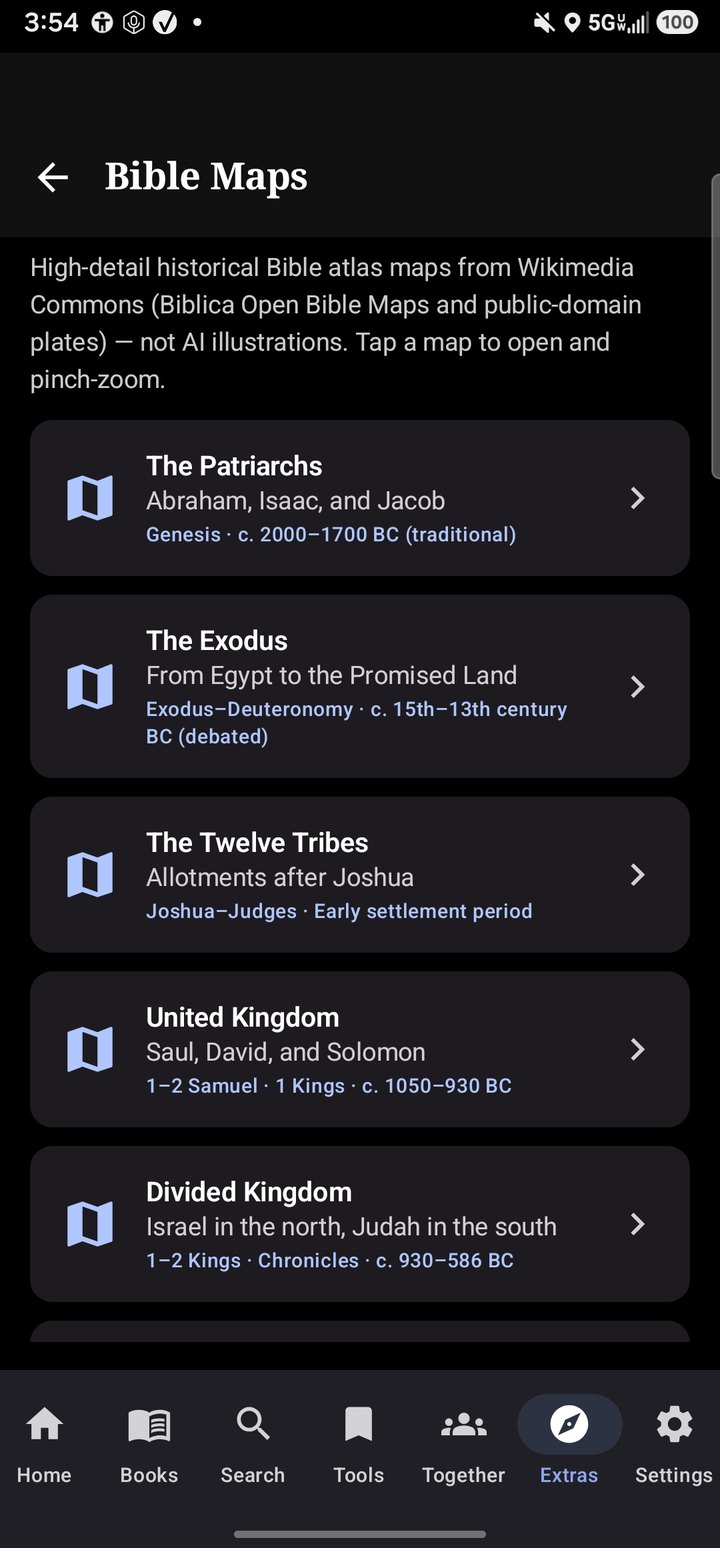
Historical Bible maps as stacked study cards: Patriarchs, Exodus, Tribes, kingdoms — public-domain plates, pinch-zoom, offline.
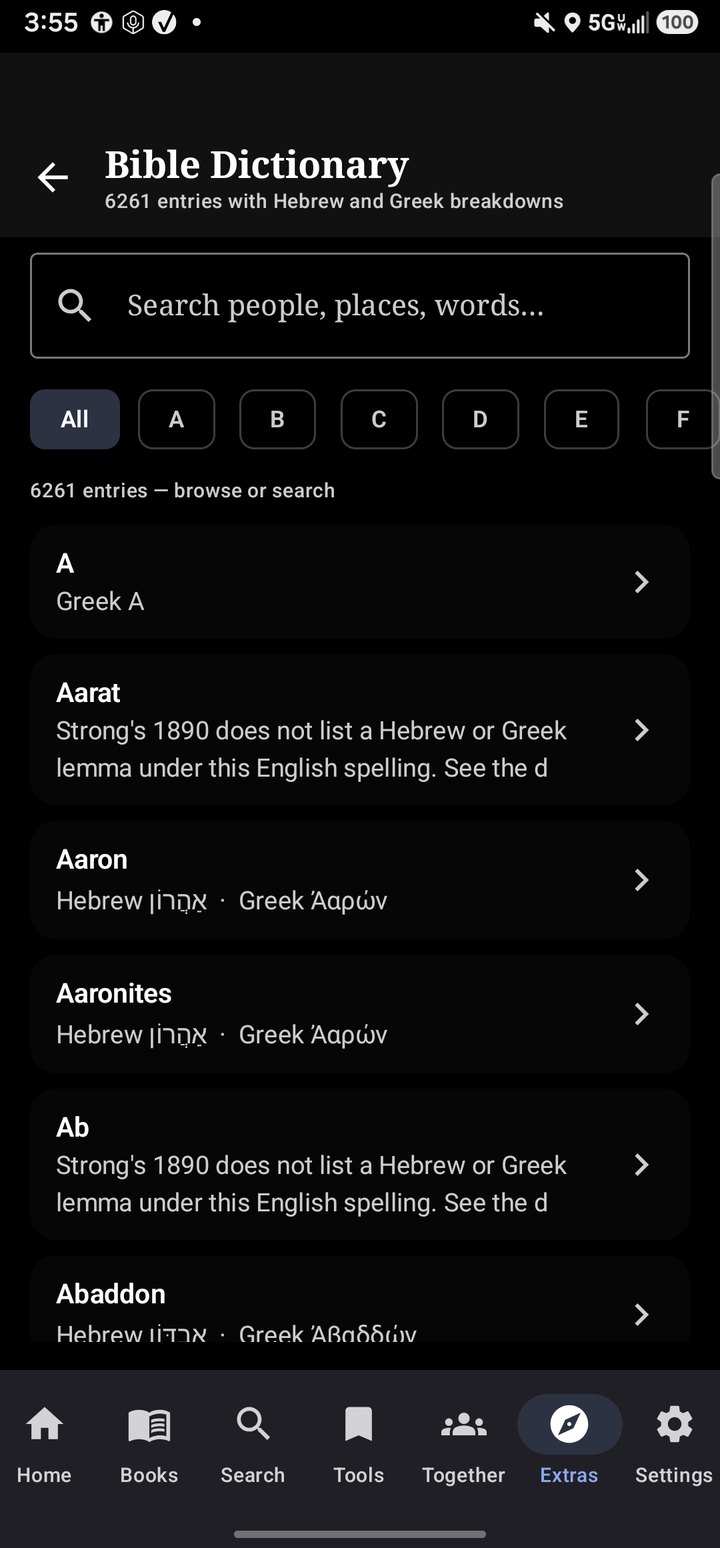
Nearly four thousand lexicon entries, A–Z chips, search for people and places. The Tools tab keeps bookmarks, highlights, and notes beside it.